


|
Backing up your SMS and MMS to GoogleMail from an Android device |
||||||||
This article explains how I used the 'Backup to Gmail' application to backup all my SMS and MMS messages.
There are several applications that offer backup facilities, some backing up SMS or MMS some doing both. The thing I liked about 'Backup to Gmail' was that it can backup both message formats, and it can run as a scheduled backup and it allows you to restore messages as well.
The application can be downloaded from the marketplace ( https://market.android.com/details?id=net.cpedia.backup2gmail&rdid=net.cpedia.backup2gmail ) or on your device. It is not free, but for £1.20 I can hardly complain.
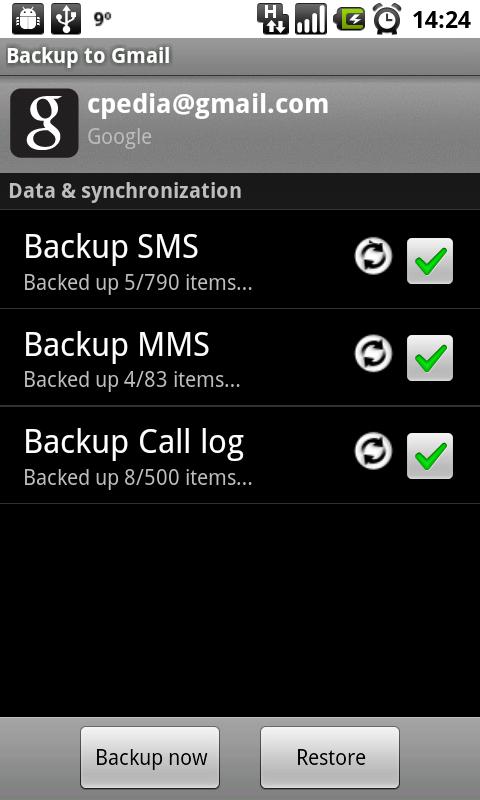
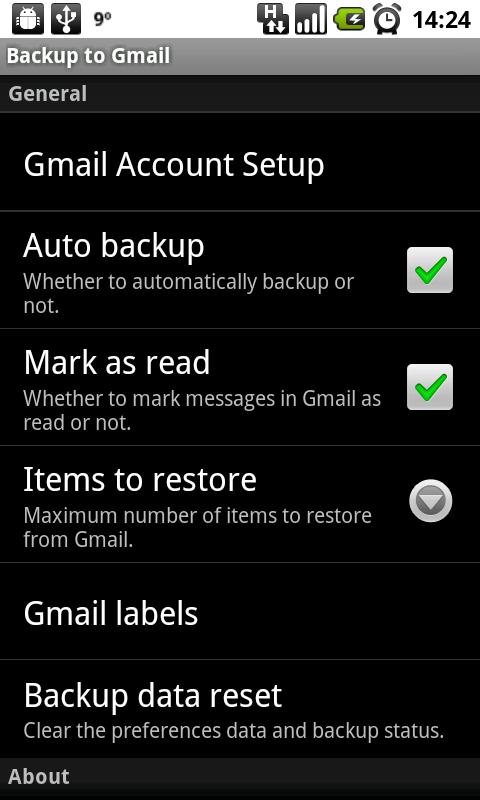
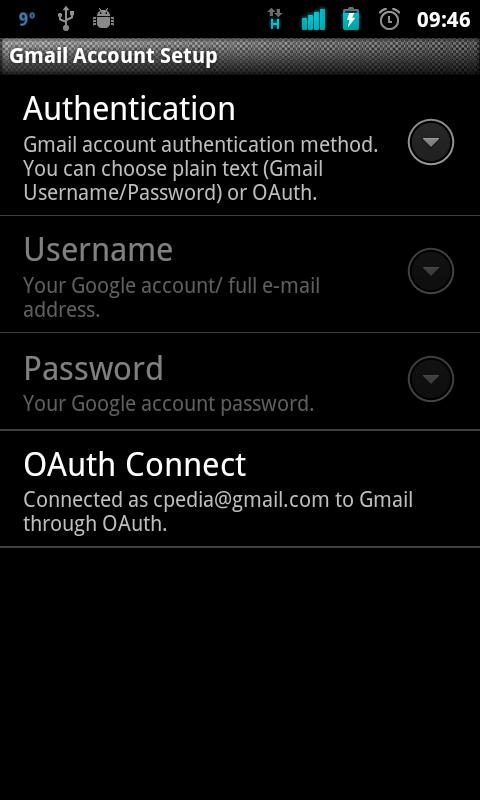
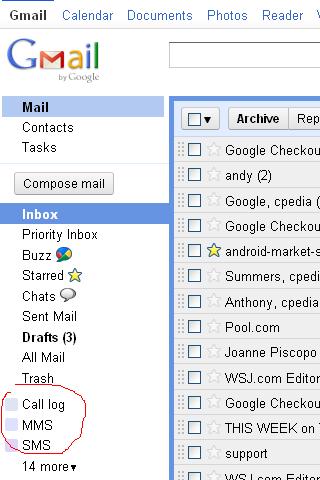
I downloaded it and logged in through Gmail and fired off a backup sync. Even on wifi it took a good hour to backup over 5000 SMS messages. You can specify different labels for the imported messages in Gmail, or you can leave it with the default labels of 'SMS' and 'MMS'. Imported messages appear just like emails in a conversation flow style.
After the import it must have taken ten to fifteen minutes to delete all the SMS messages from the phone, but it is a lot quicker now.



I guess if you change the password before and after then you limit what they can access to a snapshot, but even then that's still enough to potentially access sensitive data.
Do your SMSs actually contain information that is worth backing up?
Thats a good point, the App also has an Oath option for connecting to Gmail so that's perhaps a better option if you are concerned about the security factor.
I'm not too sure if there is anything overly vital in there, this just eliminates the need for me to go through and check it all and see if I need to keep it. If Gmail is going to allow 7 odd gig of storage then it becomes a natural home for SMS.
http://www.teachingfinance.org Some sort of family's mind-set to dollars incorporates a strong have an effect on using a baby at a incredibly beginning era. Coaching our around the right by using dollars will assist these individuals build the dollars ability, you have to be in charge in addition to encouraged.
http://www.finance7.org Not will probably awful or maybe not any credit ratings halt people by helping your wish property. Non-banking software programs wish to obtain this finance you would like. Likewise, there are various small dollars decrease available options intended for property potential buyers to install any funds.
Get best quality bricks from www.londonbricks-uk.co.uk